
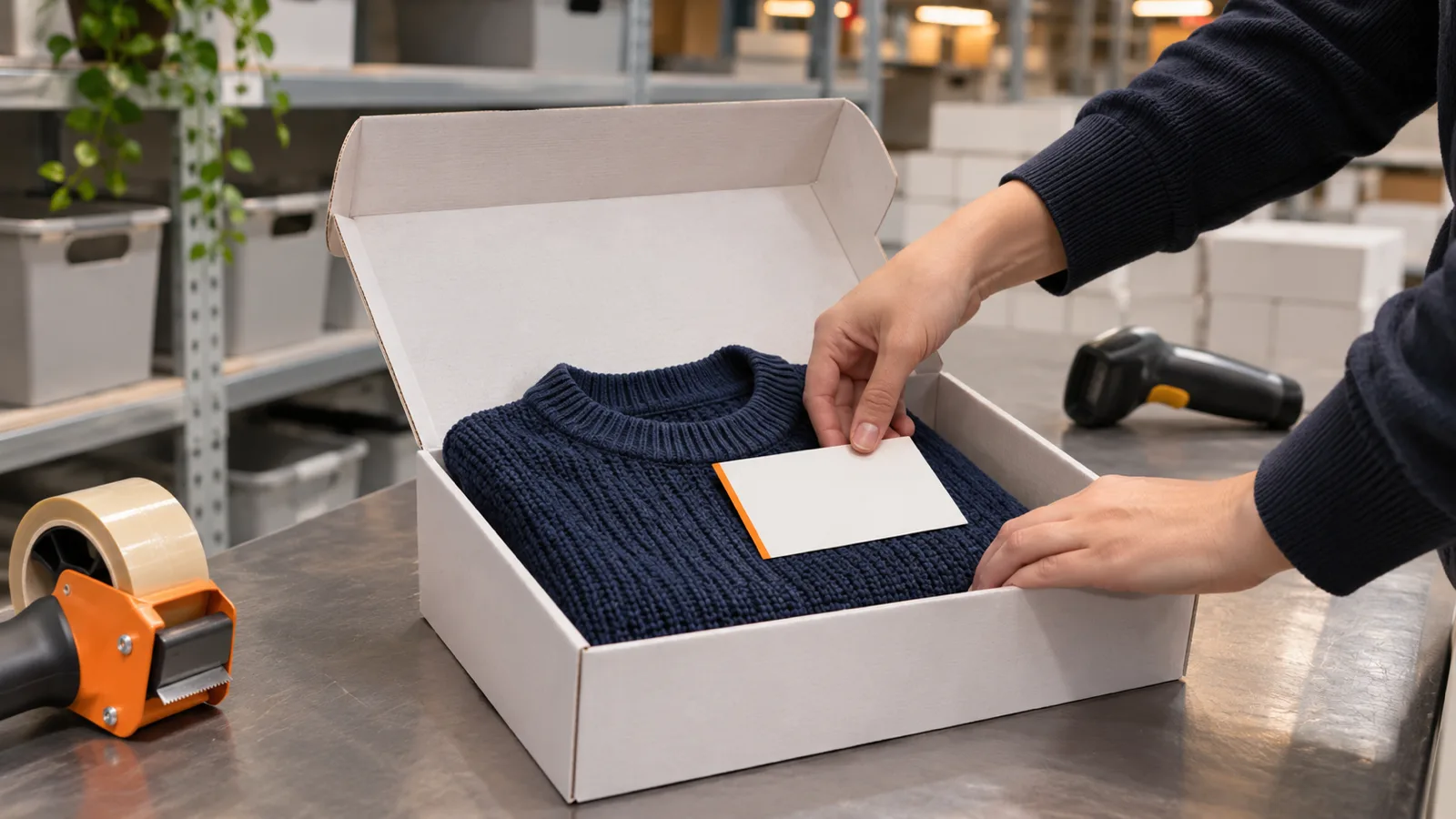
A candle and home fragrance brand in Streetsville has been shipping Shopify orders from a rented unit for two years. On a normal day the owner and one part-time helper pack forty orders before the courier pickup. Then a TikTok video featuring their autumn collection takes off, and the store receives more orders in a weekend than it usually sees in a month. Boxes are stacked to the ceiling, customers are emailing for tracking, and the owner realises that the business has outgrown the back room.
Moving fulfillment to a third-party logistics provider is the natural next step, and for Shopify merchants the technical side is easier than many expect. Shopify was built with outside fulfillment in mind, and most established 3PLs connect to it through an app or integration. The harder part is preparation: clean product data, clear rules for how orders should be handled, and a careful cutover so nothing falls through the gap between the old process and the new one.
This guide explains how a Shopify store connects to a fulfillment warehouse in Mississauga, what data flows in each direction, and how to plan a go-live that your customers never notice.
How the connection actually works
When a Shopify store is connected to a 3PL, four streams of information move between the two systems.
- Orders flow from Shopify to the warehouse. When a customer checks out, the order, shipping address, chosen shipping method and line items are sent to the 3PL's order management system, usually within minutes.
- Inventory flows from the warehouse to Shopify. The warehouse is the source of truth for what is physically on the shelf. It updates available quantities in Shopify so you do not oversell.
- Fulfillment and tracking flow back to Shopify. When the order ships, the warehouse marks it fulfilled and passes the carrier and tracking number back, which triggers Shopify's shipping confirmation email.
- Product data is shared in both directions. SKUs, barcodes, weights and dimensions need to match exactly in both systems.
In Shopify, the 3PL usually appears as a fulfillment service or as a location tied to an app. Products assigned to that location are routed to the warehouse automatically. A provider with solid integrations handles this connection for you during onboarding, and ShipCarte's Shopify fulfillment service is built around that flow.
Why a Mississauga warehouse makes sense for Shopify brands
Location affects what you can promise at checkout. A warehouse in Mississauga sits next to Highways 401, 403, 407, 410 and 427, with Toronto Pearson International Airport close by. Major courier and postal sorting facilities are in the area, which typically means late pickups and short first-mile transit. For many Shopify brands selling mostly to Canadian customers, a GTA base gives fast ground delivery to the densest part of the country, and reasonable reach into Quebec, Atlantic Canada and the US Northeast. If you ship to the US, the Niagara crossings and the Ambassador Bridge are within a few hours' drive.
Being local also has a human benefit. You can visit the warehouse, see your products on the shelf, check your packaging and meet the team that handles your account. Many brands find that peace of mind worth a lot during the first few months.
Preparing your Shopify store for the switch
Most problems during a 3PL transition come from messy product data. Before you send a single box to the warehouse, work through these items.
Clean up your SKUs
Every product variant needs a unique SKU, and the SKU in Shopify must match exactly what is on the item or its barcode label. Watch for duplicates, blank SKUs on old variants, and SKUs that differ only by a space or a capital letter. Our article on the difference between SKU and UPC numbers explains how the two are used.
Barcode every unit
Warehouse staff scan items during receiving, picking and packing. Products should carry a UPC or a SKU barcode that the warehouse can scan. If your supplier does not label units, the 3PL can usually label them on arrival as a value-added service, but it is cheaper and faster to have it done at the factory.
Enter accurate weights and dimensions
Shipping rates at checkout and label costs depend on weight and size. If a variant shows 0 kg in Shopify, your checkout rates will be wrong. Weigh and measure each product as it will be shipped.
Map your shipping methods
Your checkout might show options like "Standard", "Express" and "Free shipping over a set amount". The 3PL needs to know which carrier service to use for each. Write these rules down, including what happens with PO boxes, rural addresses and orders to the US.
Decide on packaging and inserts
Tell your partner which boxes and mailers to use, whether to include thank-you cards, samples or promotional inserts, and whether any products need special protection. If you sell gift sets or bundles, decide whether they will be pre-built as kits or assembled per order.
A go-live plan that avoids missed orders
The cutover is the moment when the warehouse starts shipping and your in-house team stops. A typical sequence looks like this:
- Two to three weeks before: Install and test the integration with a few test orders. Confirm that orders arrive, inventory updates and tracking returns to Shopify.
- Ten days before: Ship inventory to the warehouse with a detailed packing list or advance shipping notice so receiving is quick and accurate.
- A few days before: Confirm the warehouse has received and counted your stock and that quantities in Shopify match.
- Go-live day: Switch product locations so new orders route to the 3PL. Keep any orders already in progress with your old process to avoid double shipping.
- First two weeks: Review every exception: unfulfilled orders, address issues, out-of-stocks. Check a sample of customer deliveries.
Avoid cutting over right before a big sale or during the November-to-December peak if you can. If you must, plan extra buffer stock and talk to the warehouse about expected volumes.
Common integration pitfalls
Inventory fighting between systems
If more than one app is updating stock levels in Shopify, such as an old inventory app and the 3PL's integration, quantities can bounce around. Make the warehouse the single source of truth for products it holds.
Orders stuck on hold
Fraud-check apps, pre-order tags or payment holds can stop orders from being released to the warehouse. Understand which conditions hold an order and who is responsible for releasing it.
Edited orders after checkout
If your customer service team changes an address or swaps an item after the order has been sent to the warehouse, that change must reach the warehouse before the order is picked. Agree on a process and a cut-off time for edits.
Multi-location confusion
If you sell from a retail shop as well as online, Shopify may route some orders to the shop location. Review your order routing settings so online orders go where you expect.
Questions Shopify merchants often ask
Will my customers see any difference?
They should not, apart from possibly faster delivery. Confirmation emails still come from your store, and your branded packaging can be used.
Can I still use Shopify Shipping rates?
Most 3PLs use their own carrier accounts and rates, which they bill to you. Your checkout can still show rates calculated in Shopify, but the label is bought by the warehouse. Talk through how checkout rates will relate to the warehouse's actual shipping costs, particularly for free shipping offers.
What about returns?
Customers can send returns to the warehouse, where items are inspected and restocked or set aside. A returns management process ensures inventory in Shopify is updated when good items go back on the shelf.
Can the warehouse ship to marketplaces as well?
Yes. Many brands run Shopify alongside Amazon, wholesale accounts or retail stores. One inventory pool in a Mississauga warehouse can serve all of them, which is a big advantage over splitting stock across locations.
How do I see what is going on?
Good partners give you a portal with live inventory, order status and shipment tracking, plus regular reporting. You should never need to email to find out whether an order shipped.
Understanding what you will pay for
3PL pricing for Shopify brands is usually built from a few components rather than one flat fee. Knowing them helps you compare quotes fairly and model your margins before you switch.
- Receiving: charged per pallet, carton or hour when your stock arrives. Well-labelled, well-documented shipments are faster and cheaper to receive.
- Storage: usually per pallet, per bin or per cubic measure each month. Slow-moving stock costs you the most here.
- Pick and pack: typically a per-order fee plus a per-additional-item fee, with extras for inserts, gift wrap or special packaging.
- Packaging materials: boxes, mailers and void fill, unless you supply your own.
- Shipping labels: the carrier cost of each shipment, which depends on weight, dimensions and destination.
The exact rates vary from provider to provider and depend on your order profile, so ask for a quote based on your real order data rather than averages. Sending a few months of Shopify order exports is the best way to get an accurate estimate.
Signs you are ready to outsource
Not every store needs a 3PL right away. These are good signs it is time:
- Packing orders is taking time away from product development, marketing or customer service.
- You are running out of space at home or in your unit.
- You are missing courier pickups or shipping late during busy periods.
- Your shipping rates are high because you lack volume discounts.
- You want to offer faster delivery or expand into new channels.
For more on preparing a Shopify store, see our article on Shopify shipping basics.
Connect your store with ShipCarte
ShipCarte offers e-commerce fulfillment for Shopify brands in Mississauga and across Canada, with real-time inventory sync, order tracking and pick and pack services tailored to your products. Request a quote and tell us about your store, your order volume and your products.